Conversation History
The Conversation History screen is accessed from the Usage and Logs link on the left:

This interface presents a list of every conversation that goes through the system, its date/time, whether it was a Testing session or not, and the call's outcome (e.g. who it was transferred to and any data that was captured during the call)
If you click on the link for any given conversation, you can see a detailed log showing everything that happened during the conversation:
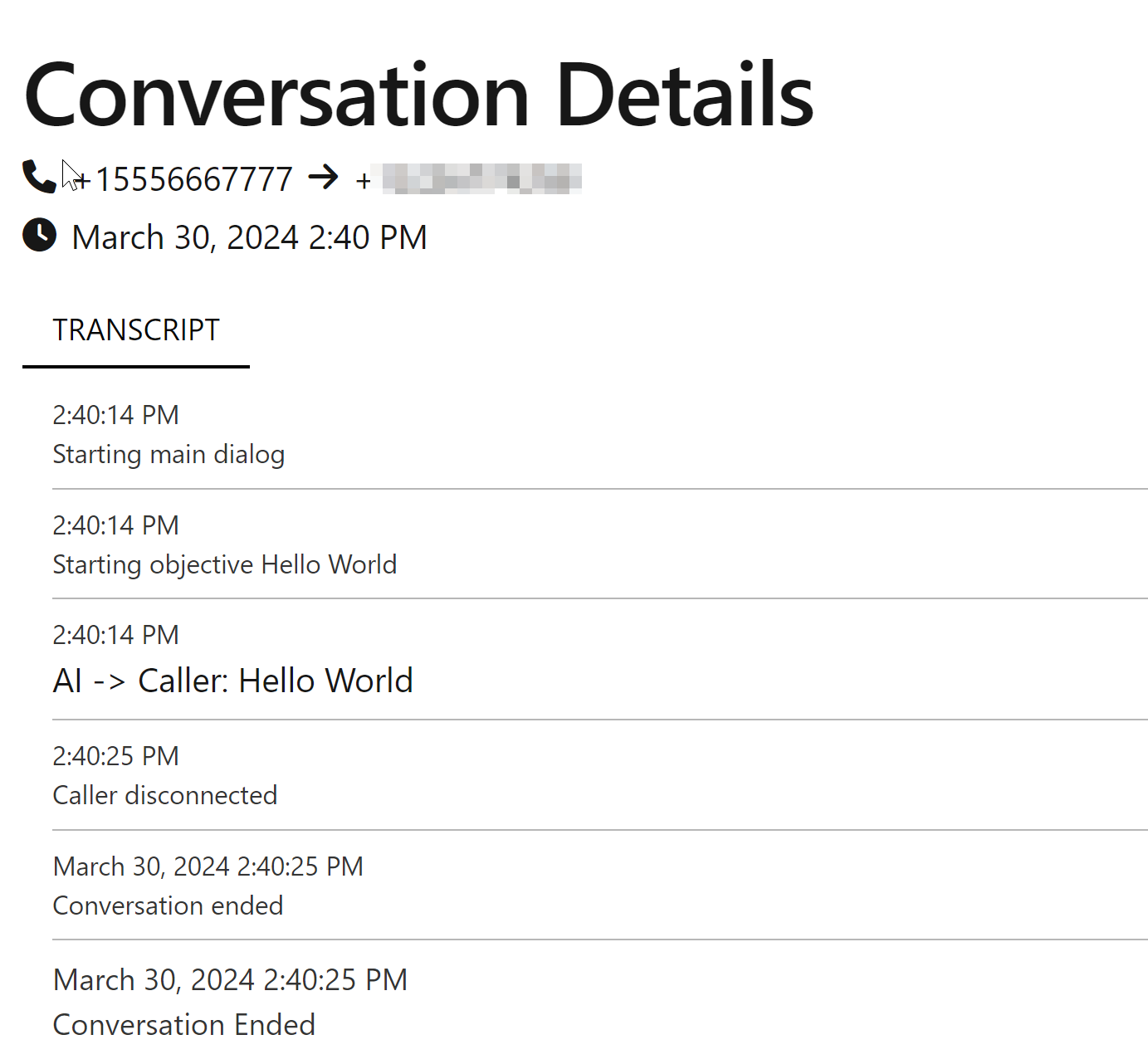
This can be incredibly helpful when troubleshooting what went wrong on a call.